Laser Cutting Mastery
Precision manufacturing through laser technology - from concept to creation with professional cutting and engraving techniques
01
Intro & Applications
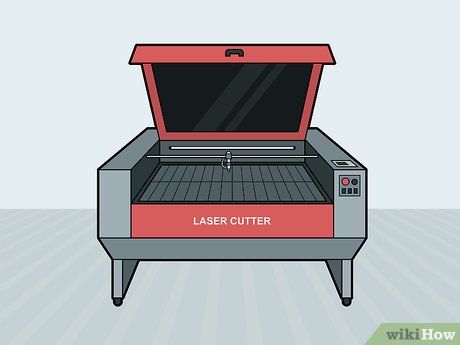
Professional CO2 laser cutter processing materials with precision
Laser Cutting Fundamentals
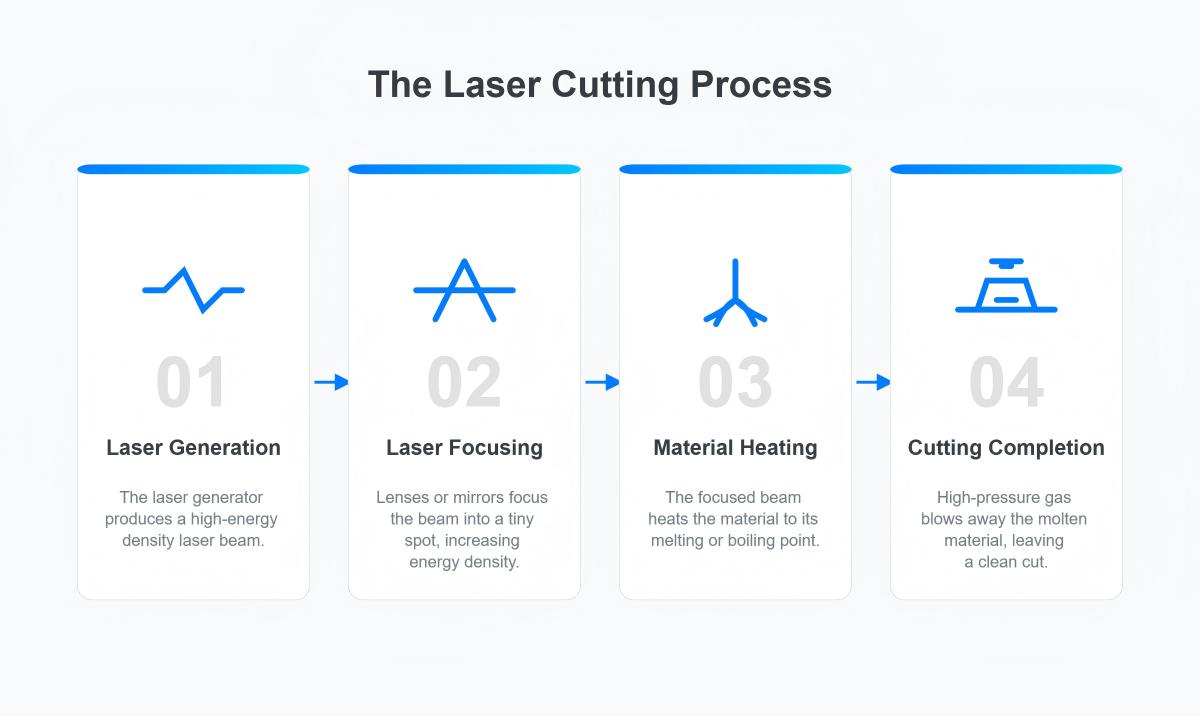
- Thermal cutting process using focused laser beam
- Computer-controlled precision manufacturing
- Non-contact material processing method
- CO2 vs Fiber vs Diode laser types and applications
- Eye protection and comprehensive safety protocols
Activity: List 5 laser-cut items you encounter daily
02
Hardware & Software
Professional laser cutting software showing vector design and cutting parameters
System Components
- Laser tube, cutting bed, and exhaust system components
- Control electronics and cooling system integration
- LaserCAD software and alternative platforms
- Vector vs Raster processing and file formats
- CAD integration with design software
Activity: Design a basic geometric shape in vector software
03
Design Basics
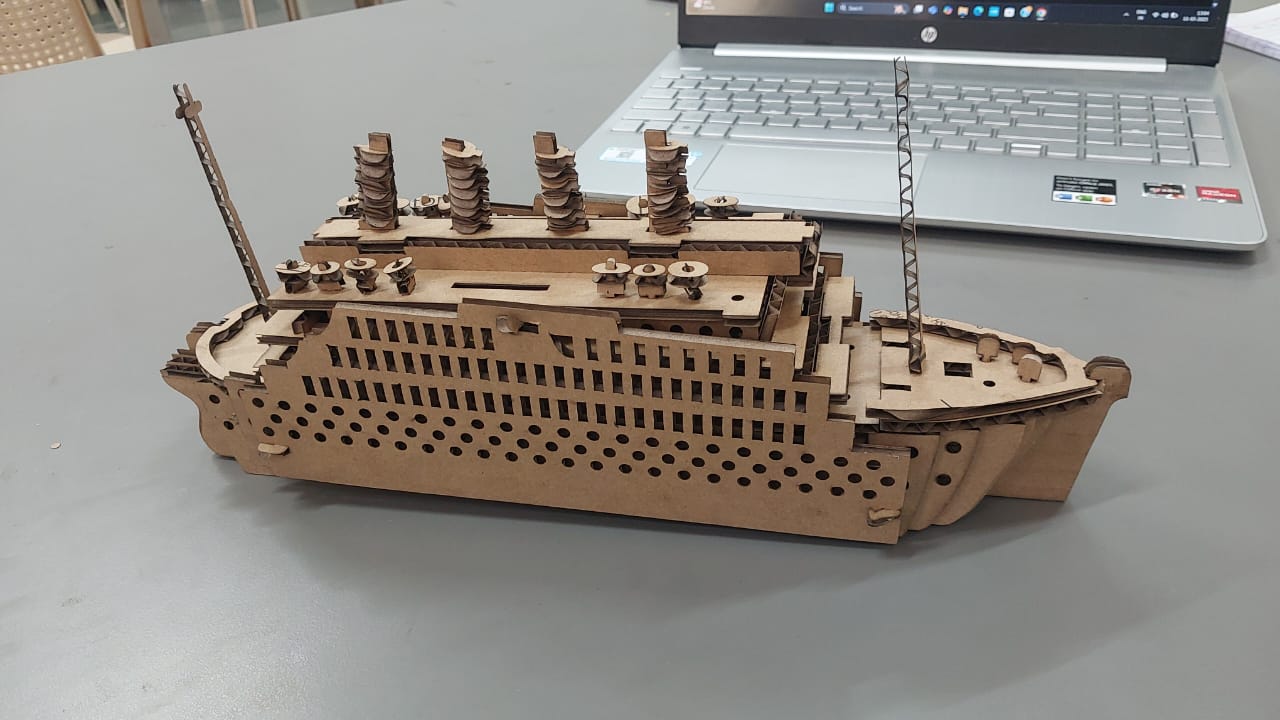
Various laser cut wooden products showing cut and engrave techniques
Design Principles
- Cut vs engrave operation setup and optimization
- Layer management and color coding systems
- Kerf width compensation for precision joints
- Press fit design and assembly considerations
- Joint design: tabs, slots, and living hinges
Activity: Design a small box with engraving decoration
04
Materials & Settings
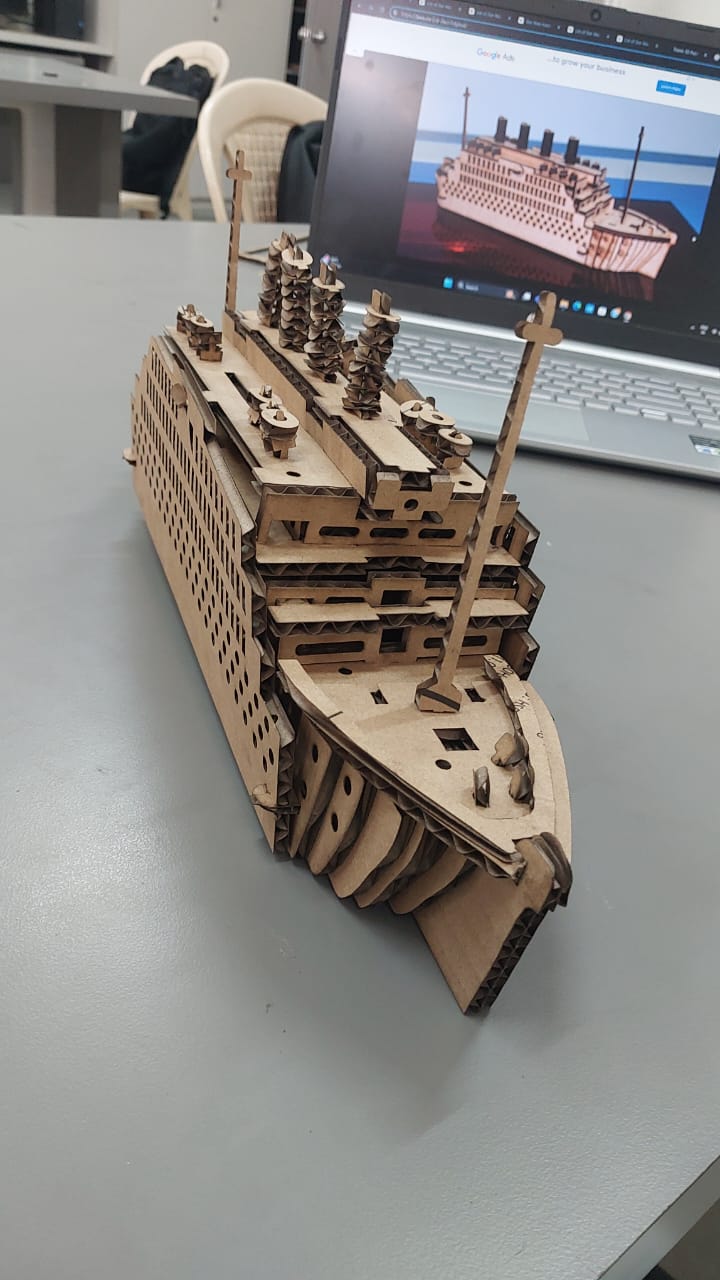
Various laser cut wooden products showing cut and engrave techniques
Material Science
- Wood, acrylic, paper, and specialty material compatibility
- Power/speed optimization for material thickness
- Multiple pass techniques and quality settings
- Speed/power test grids and documentation
- Parameter library building and optimization
Activity: Run a speed/power test grid on cardboard
05
Operating the Laser
Machine Operations
- Laser beam focus adjustment and bed setup
- Air assist and exhaust system configuration
- File processing and job queue management
- Real-time monitoring and quality control
- Emergency procedures and safety protocols
Activity: Cut your first real design from concept to completion
06
Project Day
Project Execution
- Useful projects: phone stands, storage boxes, assemblies
- Design complexity progression and skill building
- Nesting layouts for material efficiency
- Assembly sequence and joint fitting techniques
- Post-processing: sanding, finishing, quality control
Activity: Complete & document your project with photos and notes
07
Review & Maintenance
Professional Finishing
- Troubleshooting: burn marks, incomplete cuts, quality issues
- Lens cleaning and mirror alignment procedures
- Cutting bed and exhaust system maintenance
- Project documentation and portfolio development
- Advanced techniques and future learning paths
Activity: Present final work & reflect on learning journey